
One Button Before Every Meeting: My Home Assistant Meeting Mode

One Button Before Every Meeting: My Home Assistant Meeting Mode

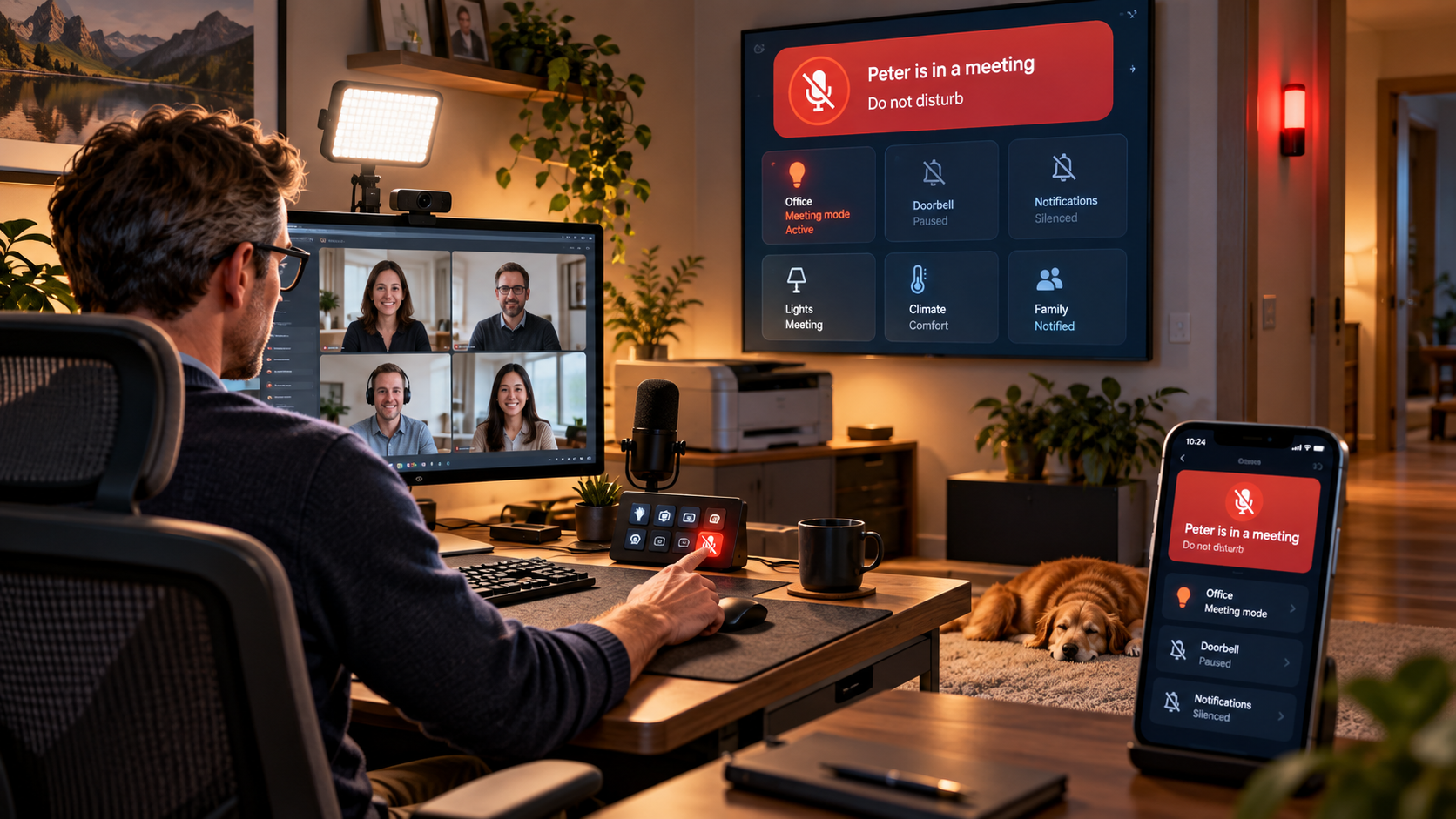
Working from home means video meetings, demos and customer calls are part of my daily routine. So I built a simple Home Assistant meeting mode that I can activate from a button on my Stream Deck. One press adjusts my office lighting, switches on the video light, silences distracting devices and announcements, turns off the printer, and shows my family that I am in a meeting through Home Assistant dashboards and a red status light outside my office. It is a small smart-home automation, but it makes my home office noticeably calmer and my meetings much more predictable.
One Car Flew. The Other Stayed on the Ground. Guess Which One I Find More Convincing

One Car Flew. The Other Stayed on the Ground. Guess Which One I Find More Convincing

There are days when the internet seems to make up its mind before breakfast. Today was one of those days. Within a few hours of each other, Porsche and Tesla presented two very different ideas of what an ultimate sports car should be. Porsche unveiled the Mission S in New York, a wonderfully low, unapologetically dramatic mid-engined concept that previews a new model line above the 911. Tesla, meanwhile, went to a SpaceX facility in Texas and showed a Roadster driving upside down, accelerating to 60 mph in 0.81 seconds and, because apparently accelerating in less than a second is…
A Perfect Home Office Setup for a Solutions Consultant

A Perfect Home Office Setup for a Solutions Consultant

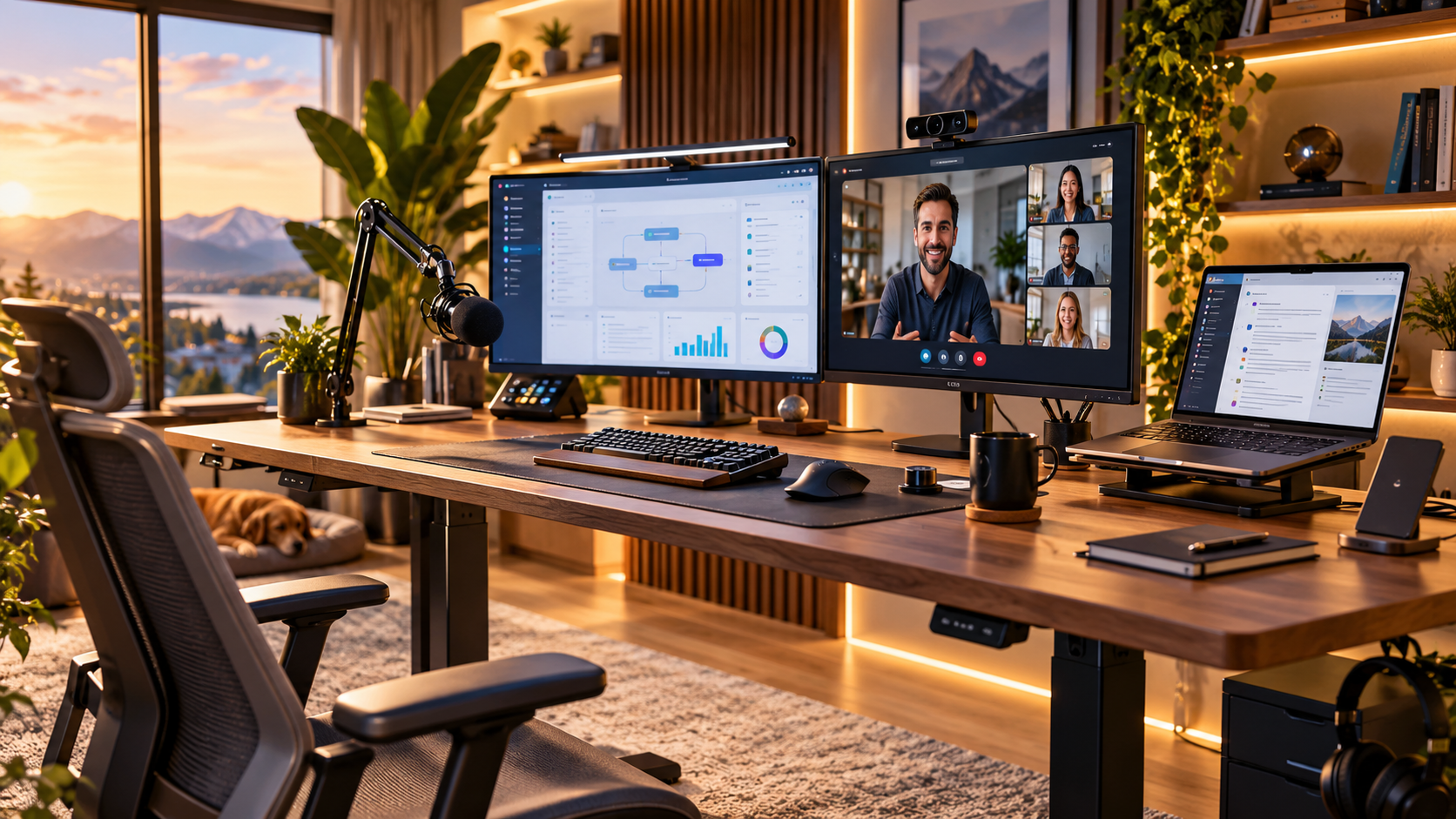
For a Solutions Consultant, the home office is more than just a desk with a laptop. It is where discovery calls happen, live demos are delivered and customer relationships are built through a screen. The perfect home office setup for Solutions Consultants should support clear communication, reliable demos, professional video calls and long working days without getting in the way. In this article, I look at the parts that actually matter: screen space, audio, camera positioning, lighting, ergonomics and network reliability. The goal is not to build the most expensive setup possible. It is to create one that helps you focus on the customer instead of the technology around you.
From Demos to Coach: Navigating the Leap from Solution Consultant to Manager

From Demos to Coach: Navigating the Leap from Solution Consultant to Manager

For most of my career, I had no ambition to become a manager. I genuinely enjoyed being a Solutions Consultant, working directly with customers and getting the immediate feedback that comes from solving real problems, running demos and shaping technical sales cycles. But after the better part of two decades in technical pre-sales and solutions engineering, the learning curve started to flatten. It felt a bit like playing a computer game you still love, but one where you have explored most of the map and new challenges increasingly look familiar. Moving into management changed that. It felt less like leaving Solutions Consulting behind and more like unlocking the next level of the same game. In this article, I share what I learned moving from individual contributor to Manager and Senior Manager, including coaching instead of fixing, developing people, working across Sales and Product, using metrics well, and building teams that can succeed without depending on you for every answer.
Four Leadership Books That Changed How I Lead

Four Leadership Books That Changed How I Lead

I have read quite a few leadership books over the years. Some were useful in the moment and then quietly disappeared from memory. Others stayed with me because an idea from a chapter would suddenly reappear months later in a conversation with someone on my team, during a difficult decision, or when I caught myself stepping in to solve a problem that probably should not have become mine in the first place. Those are the books I value most. Not because I agree with every page, but because they changed something in the way I actually lead. I am generally…
Making My Scanner Actually Smart: From Touchscreen Menu Hell to One Button, AI and Email

Making My Scanner Actually Smart: From Touchscreen Menu Hell to One Button, AI and Email

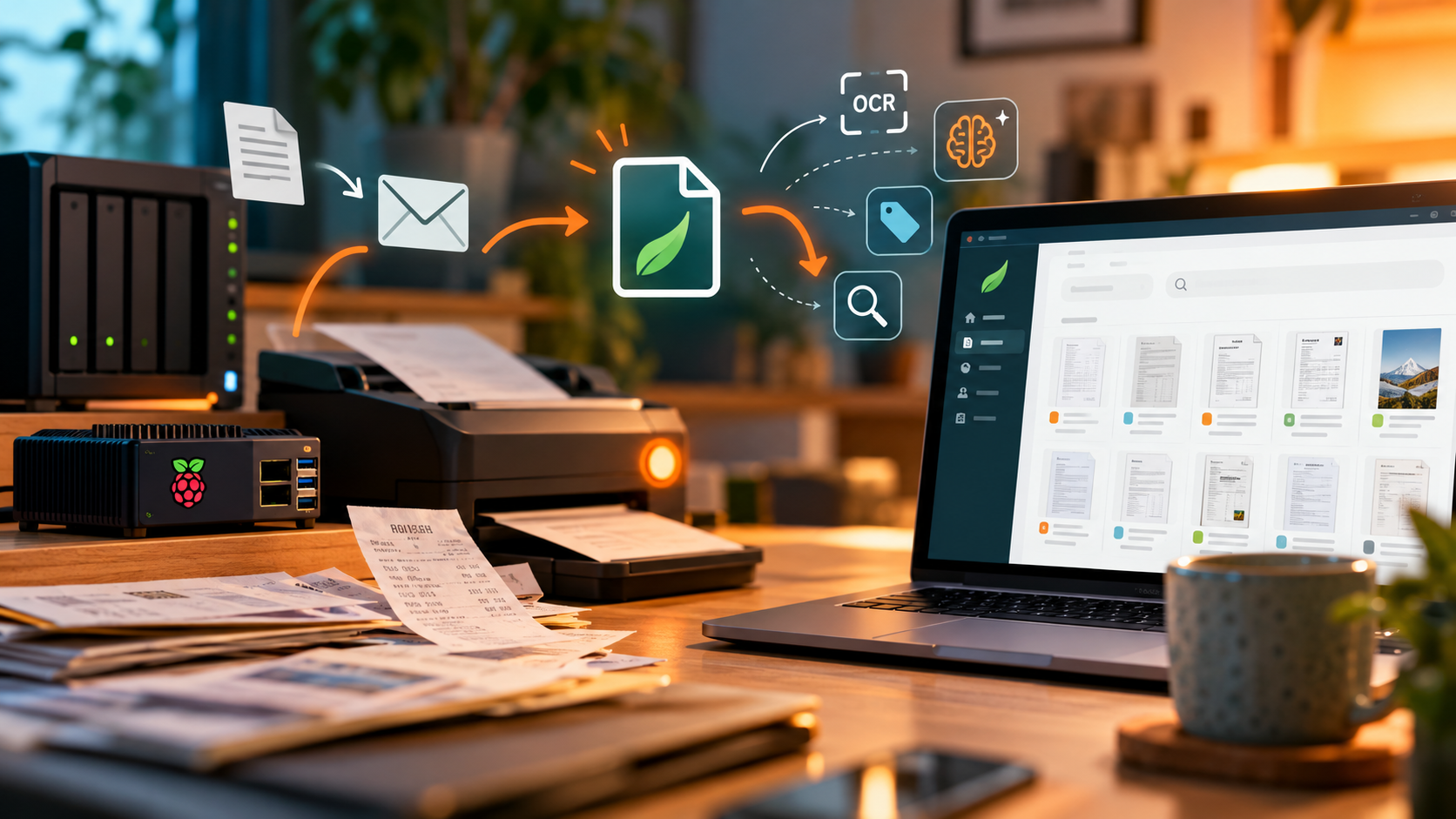
I turned a frustrating multi-step printer workflow into a one-button smart home automation. Using Home Assistant, HACS eSCL scanning, a smart plug, Zigbee buttons, SMTP and OpenAI, documents are scanned automatically, intelligently named and sent by email or saved to Paperless. This post shows how the setup works and why it saves so much time.
Flying to Mexico While Caring About the Climate

Flying to Mexico While Caring About the Climate

Can you care about climate change and still take a long-haul flight? As our family prepares to travel to Mexico, I reflect on the uncomfortable contradiction between protecting the climate and wanting to experience the world together. We reduce our carbon footprint through solar energy, an electric car and more conscious consumption, but none of this makes flying harmless. This article explores personal responsibility, carbon offsetting, climate-conscious travel and why imperfect choices should encourage honest discussion rather than immediate accusations of hypocrisy.
Build Microwave Doors, Not Warning Signs: What Solutions Consulting Leaders Can Learn from Blame, Process and Formula One

Build Microwave Doors, Not Warning Signs: What Solutions Consulting Leaders Can Learn from Blame, Process and Formula One

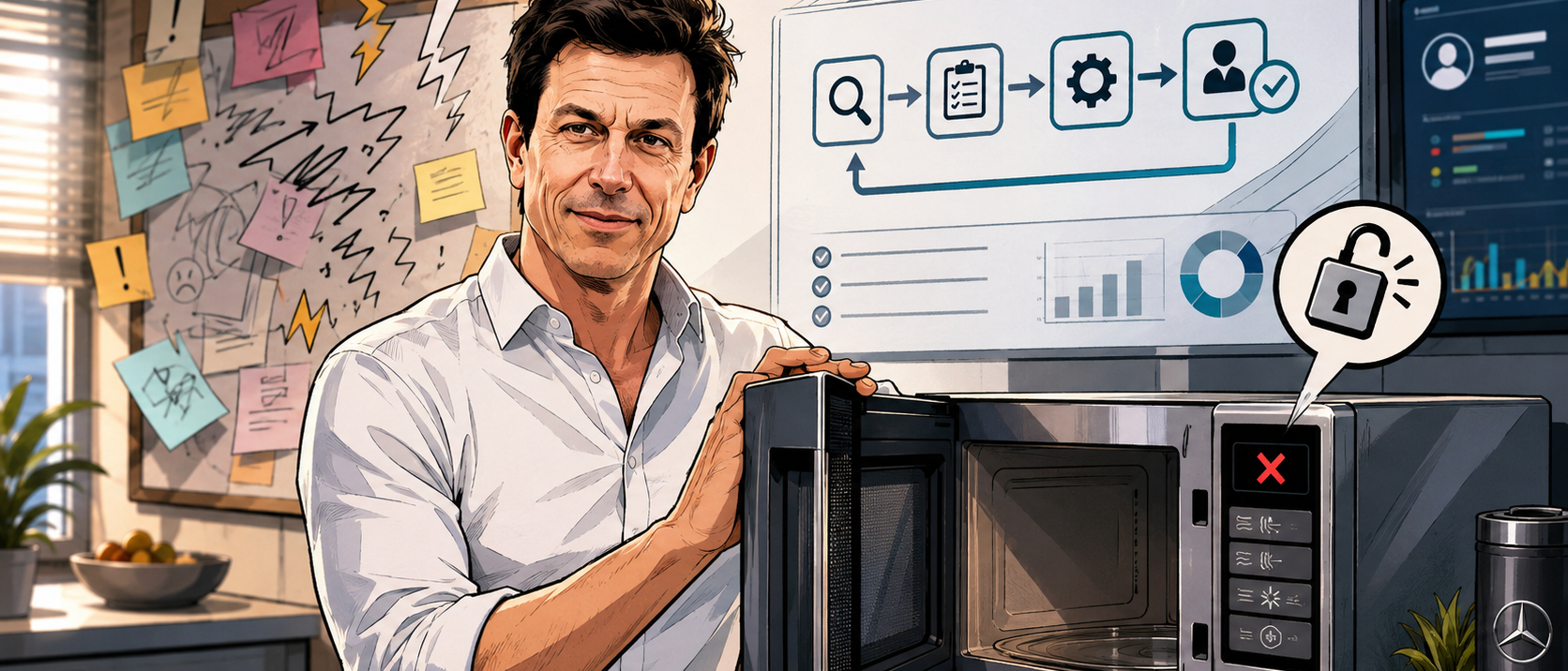
Great leadership is not about finding someone to blame when processes fail. It is about designing better systems. This article explores what Solutions Consulting leaders can learn from no-blame culture, Formula One, and the simple brilliance of a microwave door: build processes that make the right action easier, reduce repeated reminders, and turn mistakes into learning.
Notifications in Home Assistant, But Smarter: The Script Pattern You’ll Wish You Used Earlier

Notifications in Home Assistant, But Smarter: The Script Pattern You’ll Wish You Used Earlier

Tired of copy-pasting notify.mobile_app_* actions across dozens of Home Assistant automations? In this post I’ll show a simple, scalable notification pattern that saves time now and frustration later: one reusable script per person (phone, work phone, tablet, whatever) plus group scripts for things like “the whole family”. You’ll learn how to pass message, title, and optional metadata cleanly, why the data object must always be a dictionary (and how to avoid the dreaded “Got None” error), and how this approach makes device changes painless because you only update notifications in one place. If you’ve ever replaced a phone and had half your alerts break, this setup will feel like a small superpower.